
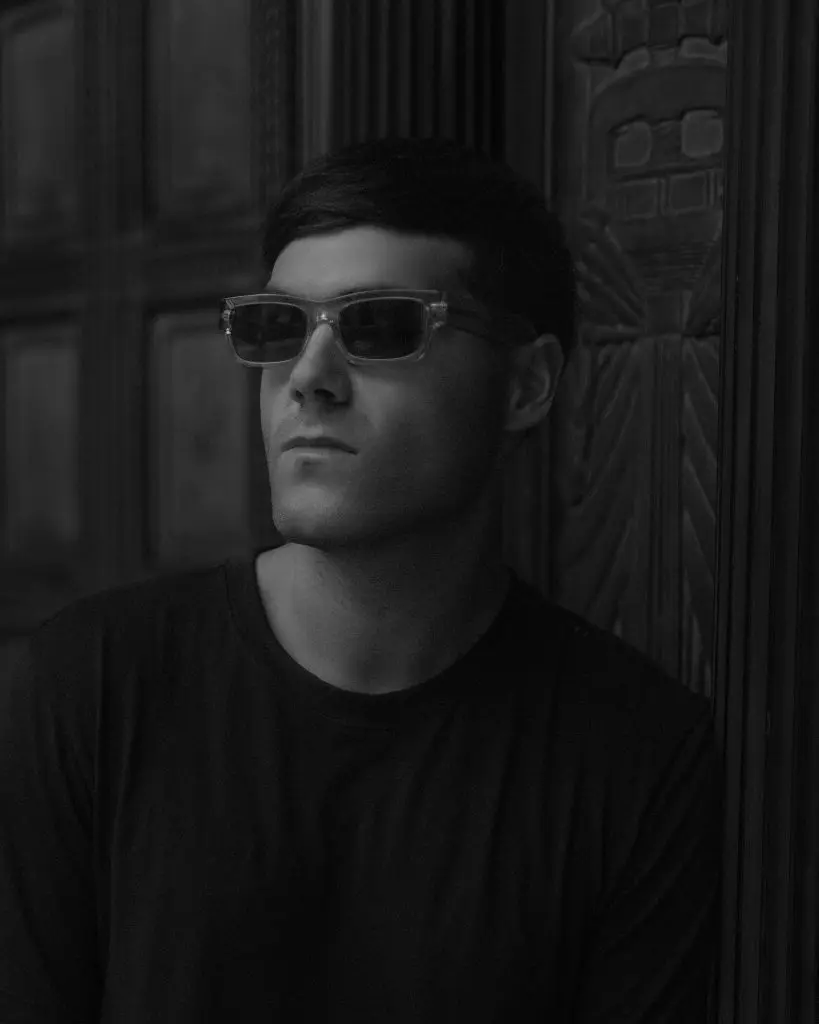
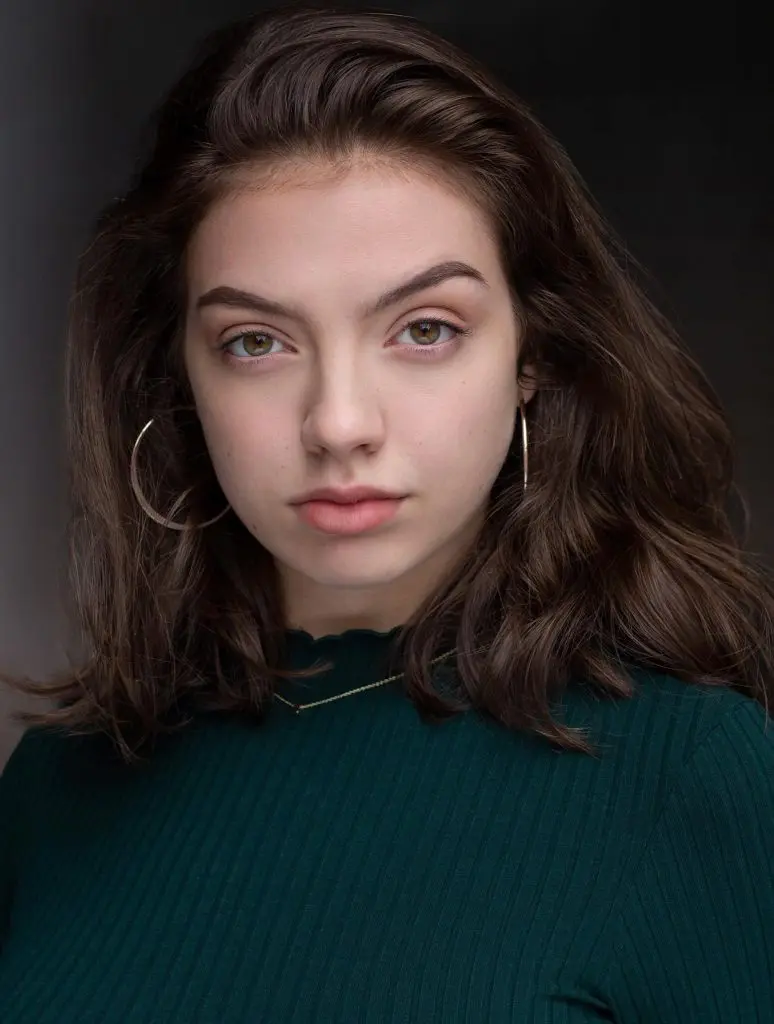
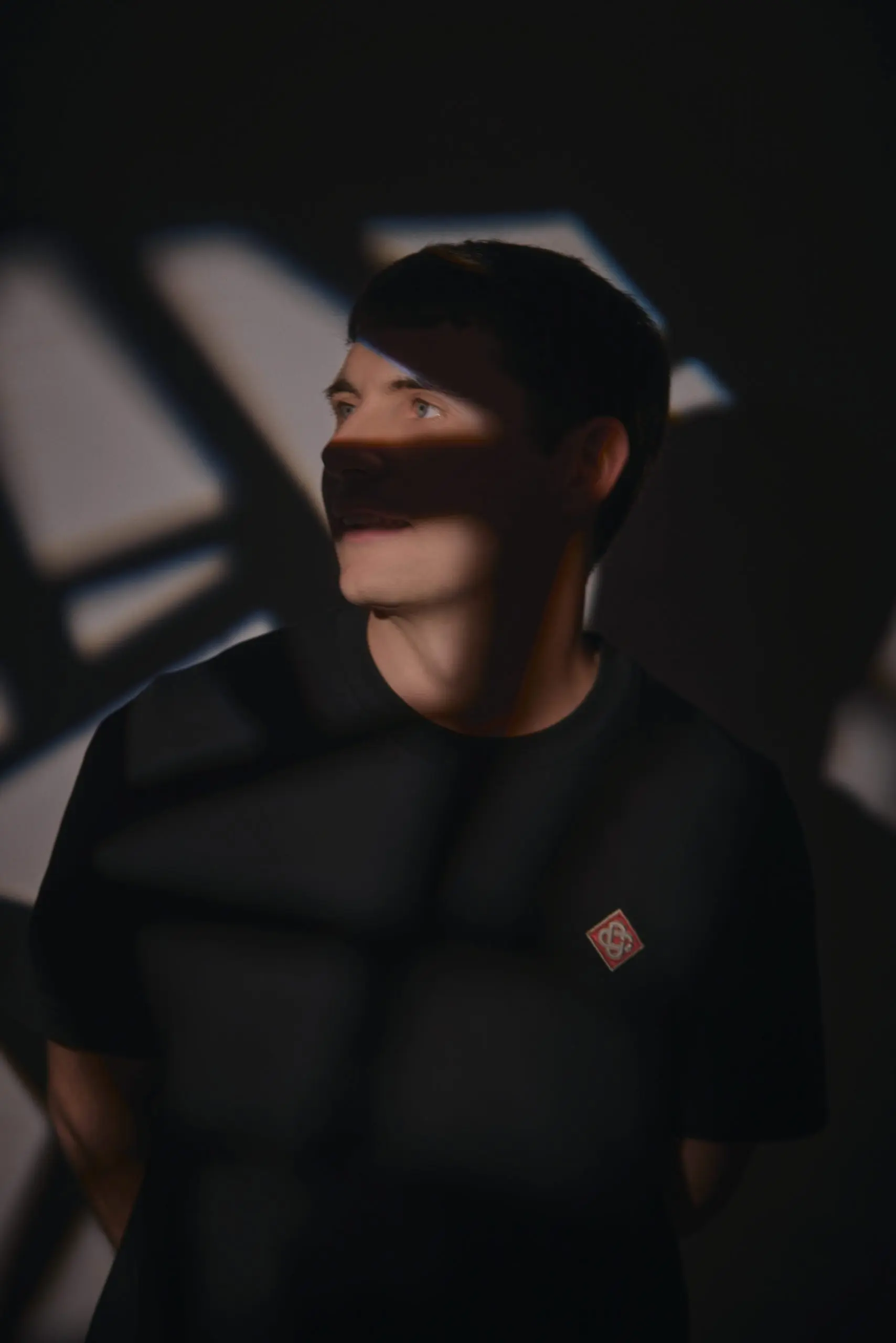
Your Spotify profile is often the first proper look someone gets at you after hearing a song on a playlist. If the header is blurry, the avatar crops off your head, or the image breaks Spotify’s rules, it undoes the good work the music just did.
Here is every Spotify artist image size in one place, checked against Spotify’s own guidelines in 2026, plus the other platforms you will be asked for at the same time. When I shoot artist photography in Liverpool, I plan frames for each of these, so the crops work before we even leave the shoot.
The short version
- Avatar: at least 750 x 750 pixels, shown as a circle.
- Header: at least 2660 x 1140 pixels, wide and uncluttered.
- Gallery: at least 690 x 500 pixels, up to 125 images.
- All images: JPEG, PNG or GIF, no bigger than 20MB.
- No text, ads or release promos on your profile images.
1. Spotify artist image sizes
| Image | Minimum size | Where it shows | Tips |
|---|---|---|---|
| Avatar | 750 x 750 px | Mobile app, search results | Displayed as a circle, so centre your face and leave space around it |
| Header | 2660 x 1140 px | Desktop, web player, smart TVs | Wide, simple background, subject away from where your name sits |
| Gallery | 690 x 500 px | The About section | Up to 125 images. Mix portraits, live and behind the scenes |
| Canvas | 9:16, 720 to 1080 px tall | Behind the track while it plays | 3 to 8 seconds, MP4 or JPG, loops, no talking or singing |
| File rules | Max 20MB | All profile images | JPEG, PNG or GIF |
2. Spotify’s image rules
Spotify’s guidelines say your artist images must not include text, advertising or busy backgrounds, and must not promote an upcoming tour or album release. They also need to respect copyright and people’s image rights.
That rules out the most common mistake I see: a header that is really a release poster, with the title and date written across it. Keep promo artwork for the release itself and social posts. Your profile should be clean photos of you.
3. Getting the header right
The header is the hardest image to get right, because it is extremely wide and gets cropped differently on different screens. A normal portrait photo will not stretch into it. The best headers are shot for it on the day: landscape, with lots of space either side, and a background that is simple enough to sit behind your name.
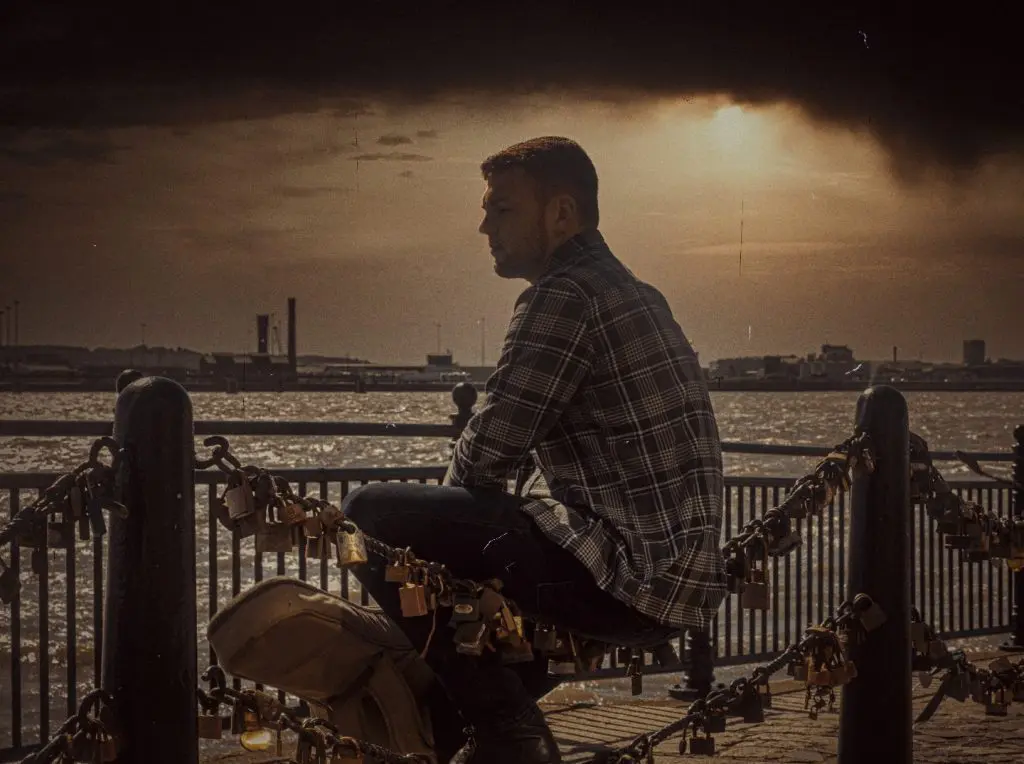
Your artist name and the play button sit over the lower part of the header. Keep your face in the upper middle of the frame, and avoid anything important in the bottom corners.
4. The avatar: small, round and instant
Your avatar is tiny and round on most phones. A full length shot turns into a speck. Use a head and shoulders frame with a clean background and strong contrast, so it reads at thumbnail size in search results. Leave space around your head, because the circle will cut the corners off.
5. The other sizes you will be asked for
| Platform | Image | Size |
|---|---|---|
| Cover art (most distributors) | Single, EP or album art | 3000 x 3000 px square is the usual standard |
| Apple Music | Artist image | 2400 x 2400 px or larger preferred, 800 x 800 px minimum |
| Feed portrait | 1080 x 1350 px (4:5) | |
| Reels, TikTok, Shorts | Vertical video | 1080 x 1920 px (9:16) |
| YouTube | Channel banner | 2560 x 1440 px |
| YouTube | Video thumbnail | 1280 x 720 px |
6. Plan it into one shoot
The easiest way to cover every platform is to shoot for them on purpose. On an artist shoot, I make sure we get:

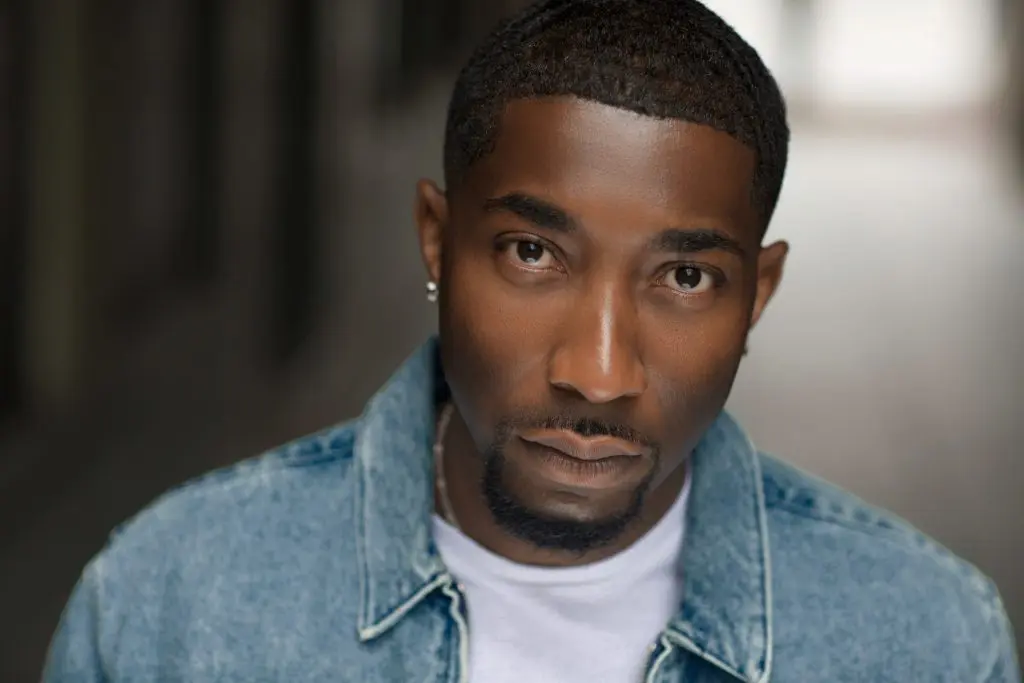
Tight and square
For your avatar and cover options.
Wide landscape
For the Spotify header and YouTube banner.
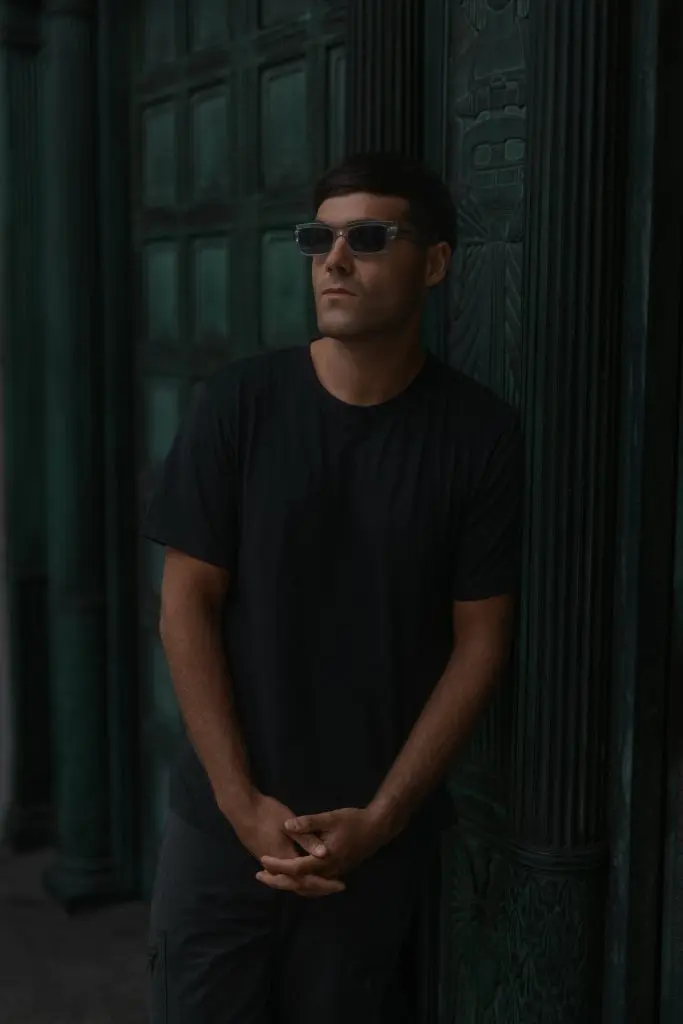
Portrait
For Instagram, press and posters.
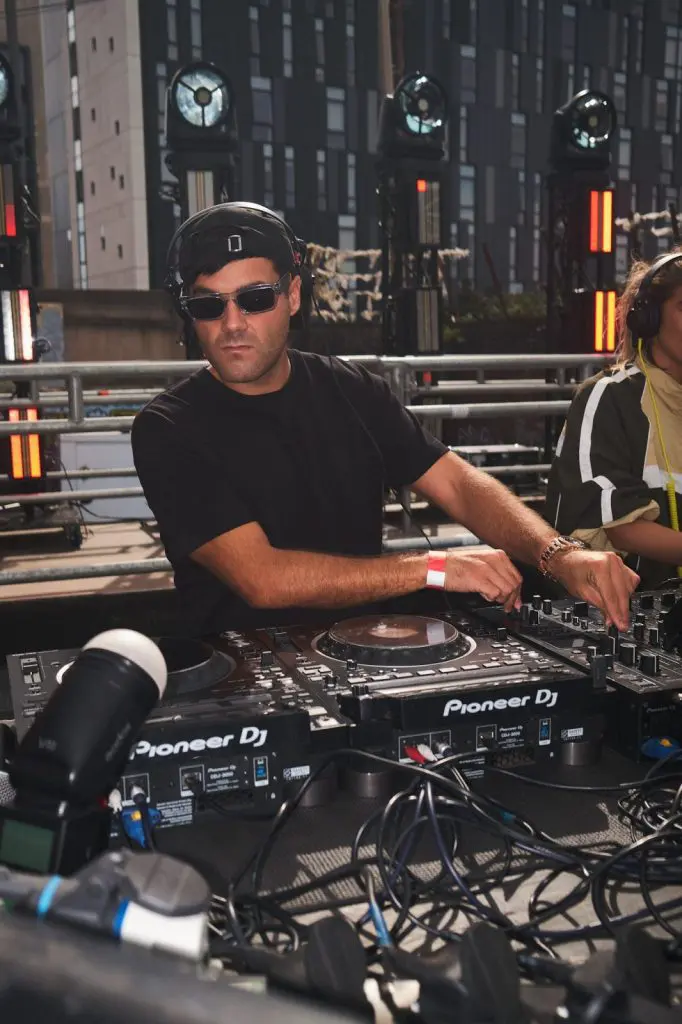
Vertical
For Canvas, Reels and TikTok.
All from the same looks, so your whole online presence matches. It fits into a release content plan and your EPK too.
Before you upload
Spotify
- Avatar at least 750 x 750, face centred for the circle
- Header at least 2660 x 1140, simple background
- No text, no release or tour promo
- Under 20MB, JPEG or PNG
Everywhere else
- Same look across Apple Music, YouTube and socials
- Cover art square and at least 3000 x 3000
- Checked on a phone, not just a laptop
Questions artists ask
What size is a Spotify artist profile picture?
At least 750 x 750 pixels. It displays as a circle, so keep your face centred with space around it.
What size is the Spotify artist header image?
At least 2660 x 1140 pixels. Use a wide, simple image and keep your face in the upper middle of the frame.
What is the maximum file size for Spotify artist images?
20MB. JPEG, PNG and GIF files are accepted.
Can I put text on my Spotify header?
No. Spotify’s guidelines say artist images should not include text or advertising, or promote an upcoming release or tour.
What are the Spotify Canvas specs?
A vertical 9:16 loop of 3 to 8 seconds, between 720 and 1080 pixels tall, as an MP4 or JPG, with no talking or singing.
More guides for musicians: Press photos for musicians · Planning content for a release · What to put in an EPK.
Profile looking tired?
Every size, one shoot
Avatar, header, cover options, press shots and verticals, all planned so the crops work.