Your cover art is the first thing people see before they press play, on every playlist, every search result and every share. It also has to get past your distributor and the streaming services first, and plenty of releases get held up because the artwork breaks a rule nobody mentioned.
Here is the cover art size to aim for, the rules that get artwork rejected, checked against Apple’s and DistroKid’s own guidelines in 2026, and how to shoot a photo that actually works as a square. When I shoot artist photography in Liverpool, cover frames are planned into the day from the start.
The short version
- Aim for 3000 x 3000 pixels, perfectly square. It is the standard most distributors ask for.
- JPG in RGB colour is the safest file. CMYK files get rejected.
- No URLs, QR codes, social handles, prices or platform logos on the cover.
- Nothing blurry or pixelated, and no stock images you do not have a licence for.
- Shoot for the square on the day rather than cropping a portrait afterwards.
1. The cover art size to aim for
| Where | Size | Format | Notes |
|---|---|---|---|
| DistroKid | 3000 x 3000 px ideal, 1000 x 1000 px minimum | JPG, RGB | Must be perfectly square and a single image |
| Apple Music | 3000 x 3000 px or larger recommended, 1400 x 1400 px minimum | JPEG or PNG | Square, full quality file |
| Other distributors | 3000 x 3000 px is the usual standard | JPG or PNG | Check your distributor’s upload page before you export |
If you export one master at 3000 x 3000 pixels, square, in RGB, you are covered almost everywhere. Keep the full resolution original too, because vinyl, posters and merch need more than a streaming file.
2. The rules that get cover art rejected
The streaming services are strict about what sits on a cover, and your distributor checks before anything goes live. The usual reasons artwork is rejected:
Links and handles
Website URLs, QR codes and social media usernames are not allowed.
Logos and prices
No streaming or social media logos, and no prices or sales messages.
Poor quality
Blurry, pixelated, stretched or rotated images get sent back.
Rights
Unlicensed stock photos, or people on the cover who do not perform on the release.
DistroKid also rejects references to physical formats such as “CD”, nudity, and artwork that has already been used on another release. Apple adds that cover art must not be misleading, must not advertise, and must not include dates for future releases.
3. Shooting a photo that works as a cover
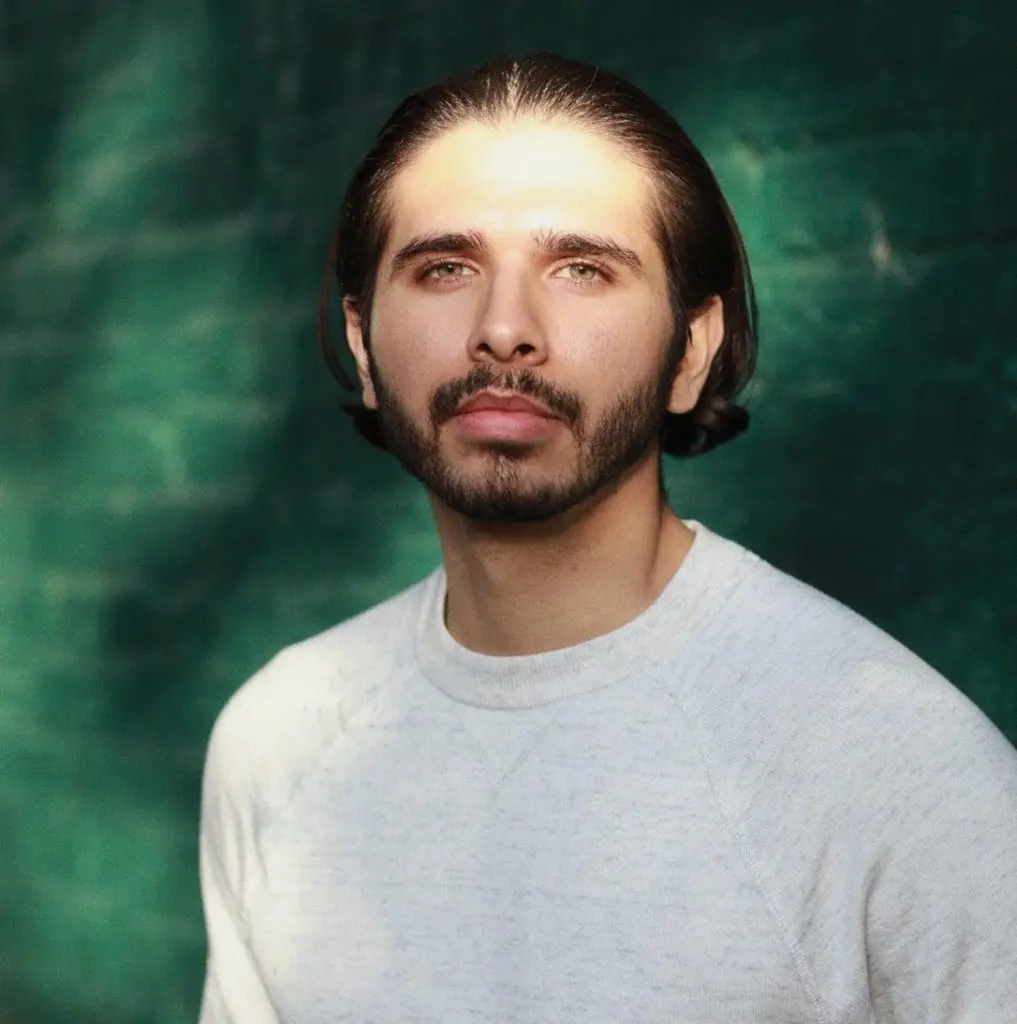
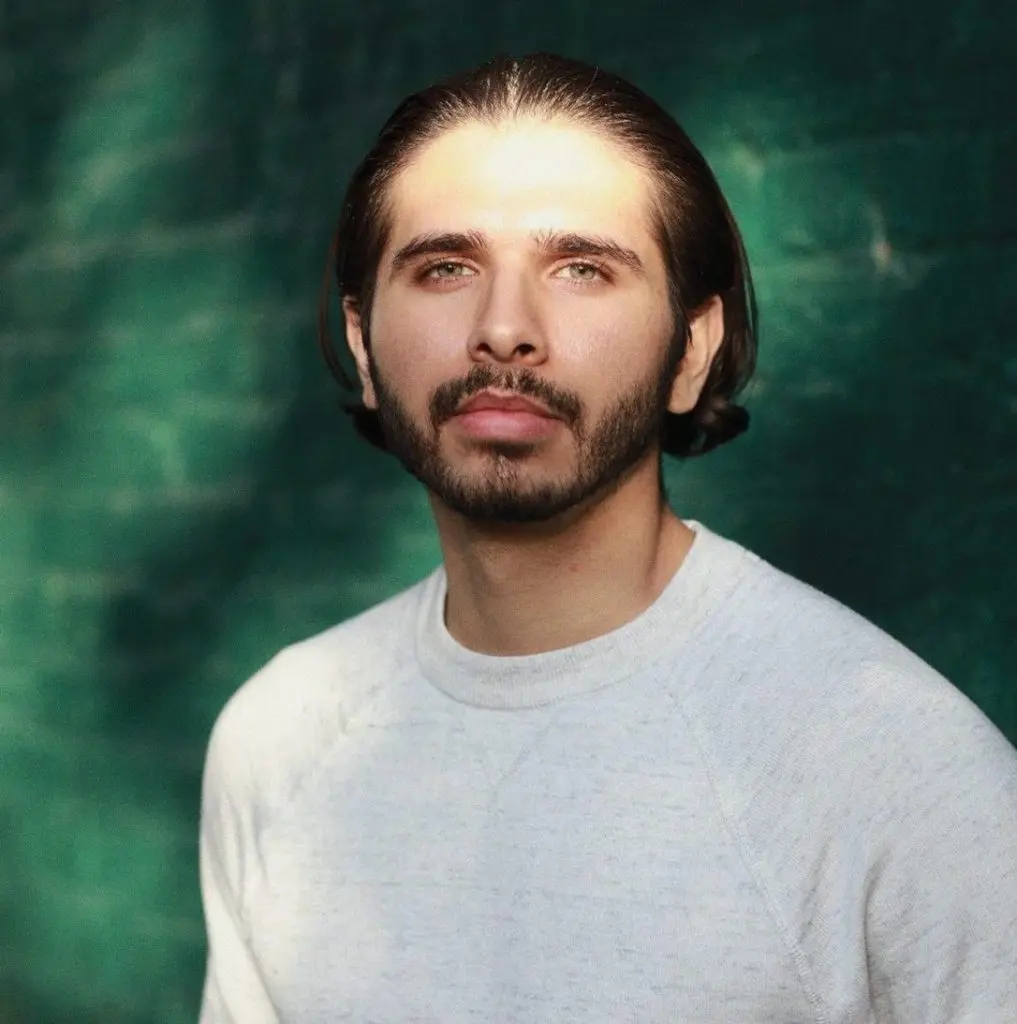
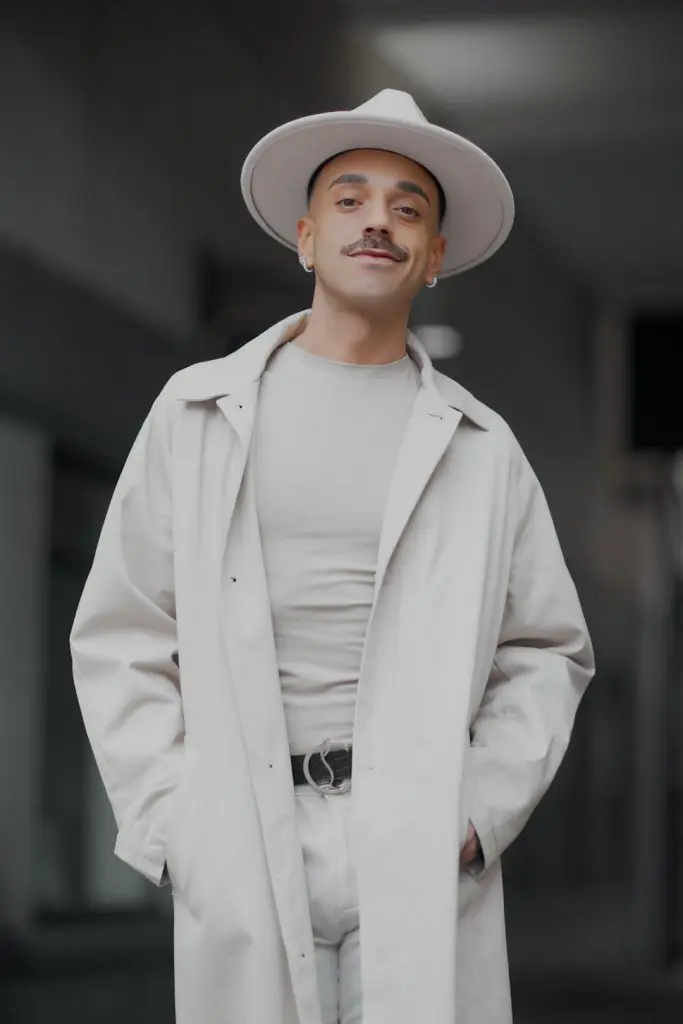
Most portraits are taller than they are wide, so a cover cropped out of one often loses the top of the head or ends up too tight. The covers that work are shot for the square on the day:
- Frame square in camera, or leave generous space all round so the crop has room.
- Keep the middle strong. Covers show tiny in playlists, so the subject has to read at thumbnail size.
- Leave space for type if your title or name will sit on the image.
- Think in a series. Singles, the EP and the album look better as a family than as strangers.
- Shoot a few versions: tight, wide, one with space for text, and one clean.
4. Photo or design?
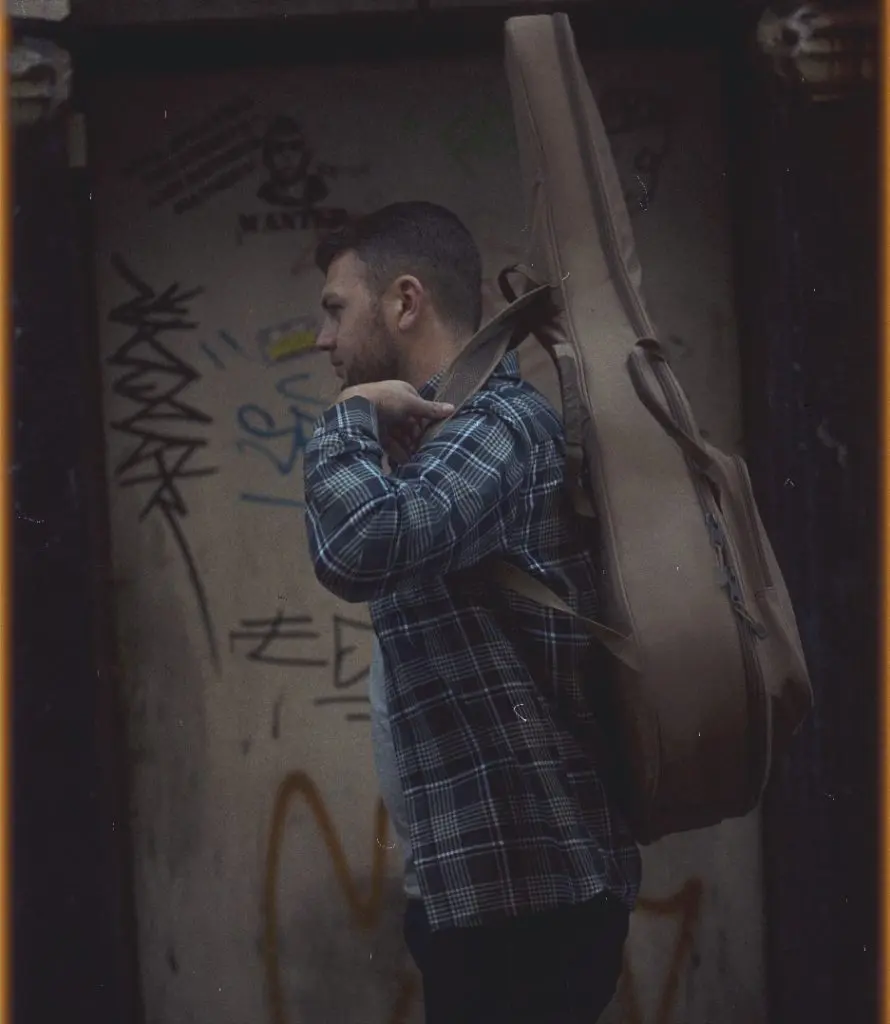
A cover can be a straight photograph, a photograph with type, or a full design. All three work. The photograph is usually the strongest choice for artists building a face people recognise, because it does double duty on press, posters and profiles too. If you are working with a designer, send them the full resolution files and agree who adds the type before the shoot, so the frames have room for it.
5. The other sizes from the same shoot
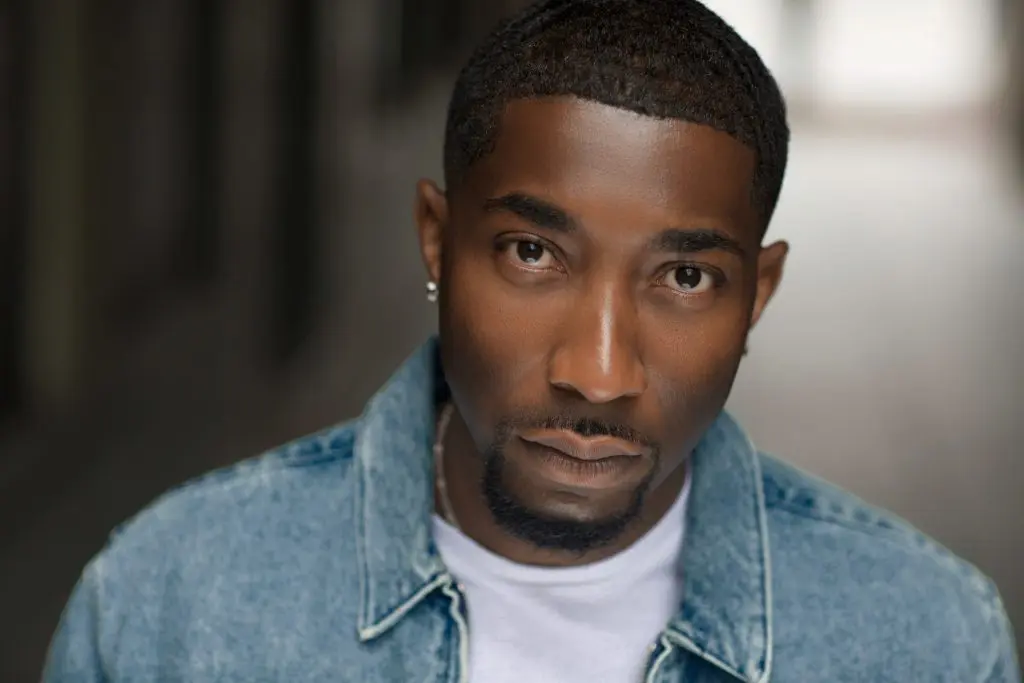
While you are shooting the cover, you can cover your whole release in one go: a Spotify avatar and header, press shots, Instagram portraits and vertical frames for Canvas and Reels. My guide to Spotify artist image sizes has every profile size in one place, and press photos for musicians covers the rest.
Before you upload your cover
The file
- Square, 3000 x 3000 pixels
- JPG in RGB, full quality
- Sharp at full size and at thumbnail size
The content
- No URLs, QR codes, handles, prices or platform logos
- No references to CD or other formats
- Only people who perform on the release
- Not reused from another release
- You have the rights to every image on it
Questions artists ask
What size should album cover art be?
Aim for 3000 x 3000 pixels, perfectly square. DistroKid lists that as ideal with a 1000 x 1000 minimum, and Apple recommends 3000 x 3000 or larger with a 1400 x 1400 minimum.
What file format should cover art be?
A JPG in RGB colour is the safest choice. DistroKid rejects CMYK and greyscale files, and Apple accepts JPEG or PNG at full quality.
Can I put my Instagram handle on my cover art?
No. Social media usernames, website URLs and QR codes are among the most common reasons artwork gets rejected.
Can I use the same cover for two releases?
DistroKid rejects artwork that duplicates another release, so give every single its own cover. A consistent style across a series works well, as long as each cover is different.
Can I crop a portrait photo into a square cover?
You can, but you often lose the top of the head or end up too tight. It is much better to shoot square frames on purpose, or leave plenty of space around the subject.
More guides for musicians: How much does a music video cost? · Planning content for a release · What to put in an EPK.
New release coming?
Cover, press shots and profiles from one shoot
Square covers, press frames and vertical clips, all planned so every crop works.